
·Budgeting
5-Minute Weekly Budget Review for Busy Families
Busy families can gain financial clarity with a simple 5-minute weekly budget review. Learn a practical, repeatable routine to catch overspending, set priorities, and keep momentum without burnout. A quick weekly check can make a big difference over time.
budgetingfamily financespersonal financeweekly routinefinancial planning
Introduction Is your family budget a constant source of stress? Between school runs, work, and weekend activities, sitting down to review finances can feel like a luxury. The good news: you can do a meaningful budget check in just five minutes a week. This quick routine helps you catch leaks early, keep spending aligned with priorities, and build momentum without burning out. This guide offers a practical, repeatable approach that fits into a busy calendar—whether you’re juggling one budget or two, personal and family, or even a small side venture. ## A practical 5-minute framework ### Step 1: Schedule your 5-minute slot - Pick a fixed day and time (for example, Sunday evening or Monday morning) and add it to everyone’s calendar. - Treat it as a non-negotiable family meeting, not a chore you’ll push off. - Keep it to 5 minutes by focusing on one page: the week-at-a-glance snapshot. ### Step 2: Pull the week’s numbers fast - In one glance, collect: income received, fixed expenses (rent/mortgage, utilities, debt payments), and discretionary spending (groceries, dining out, gas, entertainment). - If you use multiple accounts, pull the last 7 days’ transactions or a simple bank statement screenshot. - Keep direct notes in a single place (a one-page template or a quick note) so you don’t search again next week. ### Step 3: Do a quick variance check - Compare planned amounts vs. actuals for the main categories: - Groceries, Dining, Gas, Utilities, Entertainment - Fixed costs: Rent/Mortgage, Debt payments, Insurance - Savings and debt payoff - Note any category that is more than 10% off plan or off its target for the week. - Ask: Was this variance a one-time spike or a recurring pattern? If recurring, tag it for adjustments. ### Step 4: Choose the top three adjustments - Pick up to three changes that would move you toward your goals without derailing your week. - Examples: - Shift dining out to a home-cooked option twice this week - Move a small amount from dining out to savings or debt payoff - Reallocate groceries by buying generic brands or using a weekly meal plan - Write these as concrete actions for next week (e.g., “Cook twice this week, limit dining out to one meal”). ### Step 5: Update the plan for next week - Refresh the high-priority targets: - Groceries: $X - Dining: $Y - Gas: $Z - Savings: $A - If a quarterly goal exists (e.g., $1,200 emergency fund), note progress and a specific next step. - Create a one-line plan that you can recite: “This week, I save $50, spend $40 less on groceries, and keep dining out to one meal.” ### Step 6: Automate where possible - Set up automatic transfers to savings or debt payoff on payday. - Use automatic bill payments to avoid late fees. - Automate recurring purchases where you can switch to more cost-effective options (e.g., streaming plans, gas plans). ### Step 7: Involve the family in a simple way - Age-appropriate roles: older kids track small discretionary categories, younger kids help with meal planning. - Use a shared, simple visual (a 1-page weekly sheet with a few green-and-red indicators) to foster accountability without nagging. - Celebrate small wins together to reinforce good habits. ### Step 8: Keep it visual and repeatable - Use a single-page snapshot each week: Income, Fixed Costs, Variable Costs, Savings/Debt, Net variance. - Small visuals help: a simple bar for each category or a color cue (green on target, red when off). - Reuse the same format every week so it becomes almost automatic. ## A sample week to illustrate Last week: - Income: $3,200 - Fixed costs: $1,800 (rent $1,200; insurance $200; debt $400) - Variable costs: Groceries $420; Gas $90; Dining $130; Entertainment $60; Utilities $160 - Savings/debt: $350 - Planned vs actual (key variances): - Groceries: planned $400, actual $420 (over by $20) - Dining: planned $100, actual $130 (over by $30) - Entertainment: planned $70, actual $60 (under by $10) - Net result: overall $40 more spent than planned What this shows is small ripples add up. The week-by-week view helps you pinpoint whether those ripples are occasional and fixable or symptomatic of a larger pattern (for example, higher grocery costs due to a new family member’s needs or a habitual takeout habit creeping in). ## Why this routine works - It creates a predictable, bite-sized practice you can sustain. People who budget weekly tend to catch overspending earlier, before it compounds into a bigger problem. - It reduces decision fatigue. A fixed template minimizes the mental load: you don’t reinvent the wheel every week—you just fill in a few numbers and decide on a couple of actions. - It supports accountability in real family life. Short, clear goals and visible progress help everyone stay motivated without feeling micromanaged. ## Practical tips to maximize results - Keep your categories lean. Too many lines create noise. Start with 6-8 categories you truly track. - Use prefixes for quick scanning, like Fixed: or Var: to distinguish costs at a glance. - Move irregular big expenses into a quarterly or annual plan (car maintenance, holidays, gifts) so weekly views stay focused on the ongoing month. - Review trends every 4 weeks. If a category consistently deviates, revisit the plan and adjust targets rather than reacting each week. - Protect timing. If life interrupts your 5-minute slot, reschedule within 24 hours; consistency beats perfection. ## Conclusion A 5-minute weekly budget review can transform how your family spends, saves, and plans for the future. By scheduling a quick check, gathering numbers, spotting variances, and agreeing on 2-3 practical adjustments, you keep momentum without burnout. The goal isn’t perfection—it’s consistency, clarity, and control, built into a routine that fits your real life. If you’re managing multiple family budgets or profiles, a solution that keeps everything organized in one place while protecting privacy can be a real asset. Fokus Budget offers Multi-Profile Support, hel

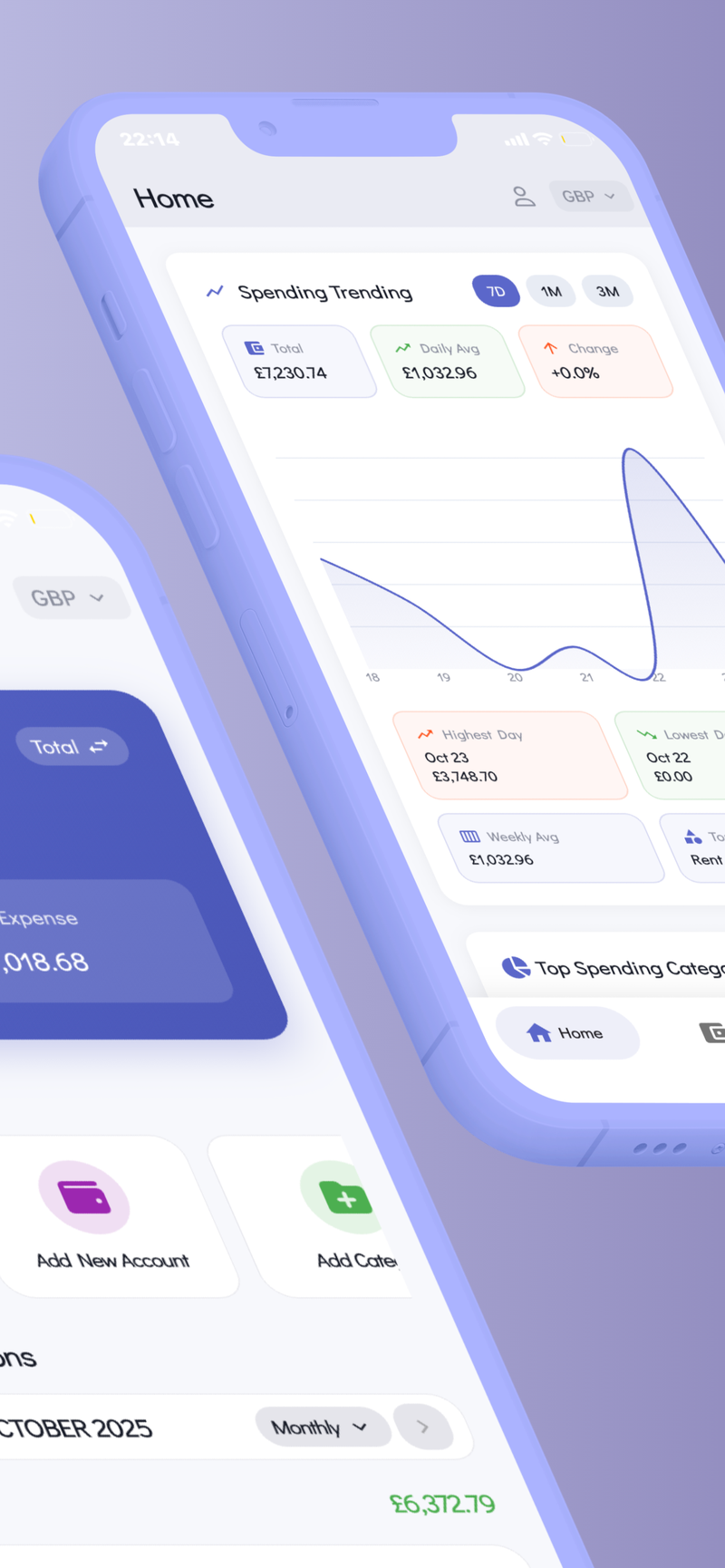

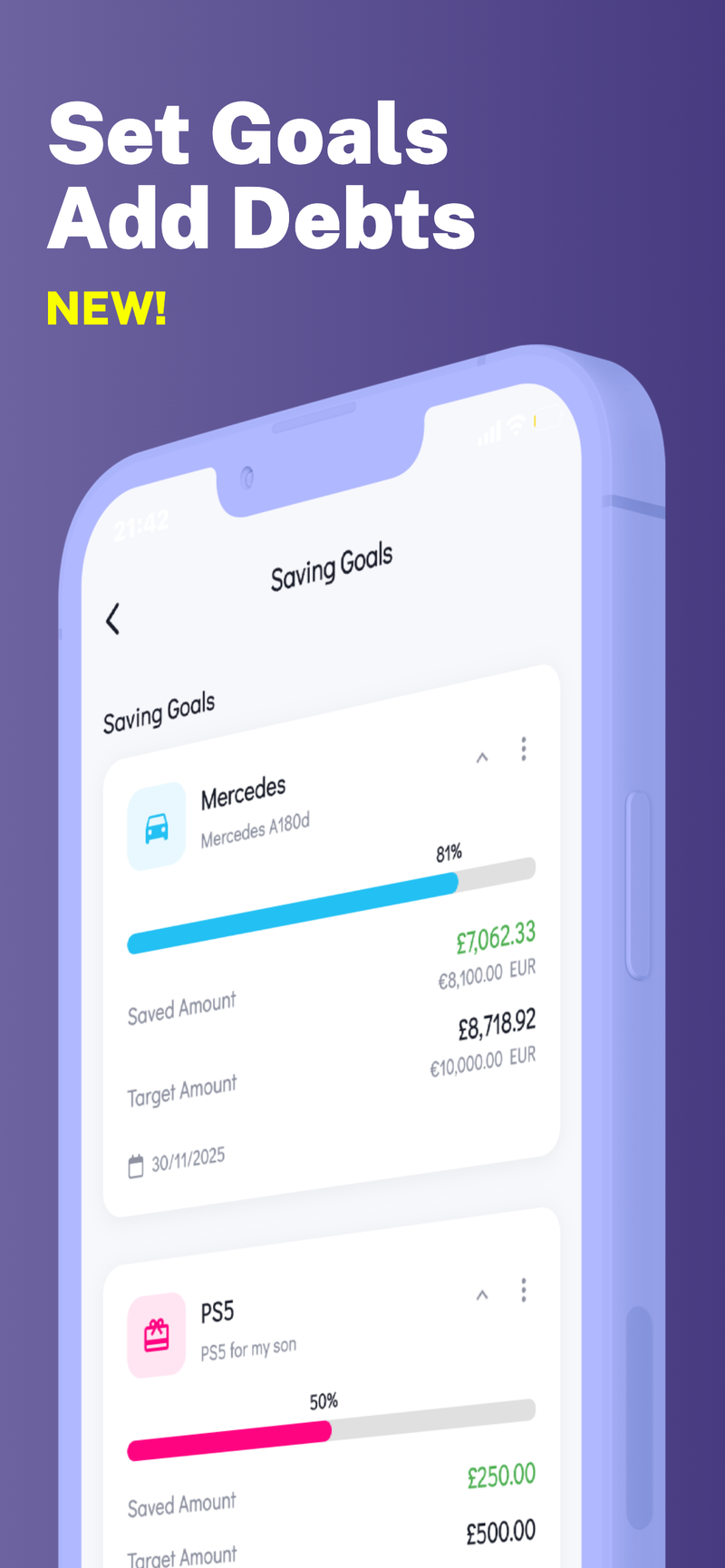

AI Receipt ScanningMulti-CurrencyBank ImportPrivacy-First
✨ Multi-Profile Support