Fokus Budget

Fokus Budget

AI-powered expense tracking

·Budgeting

Build a Realistic Monthly Budget That Actually Sticks

A practical, breakup-friendly guide to building a monthly budget you can actually follow. Learn to baseline, segment essentials, automate savings, and adjust as life changes. Small habits lead to big financial wins.

budgetingpersonal-financefamily-financemoney-managementfinancial-planning

Introduction

If you’ve ever earned a steady paycheck only to feel like your money disappears by week two, you’re not alone. A lot of budgets fail not because you’re careless, but because they’re unrealistic—crafted from idealized numbers rather than real habits. The good news is you can build a monthly budget that sticks by starting with what actually happens in your life, not what you wish would happen.

This guide breaks budgeting down into practical steps, concrete numbers, and small, repeatable rituals you can maintain month after month. You’ll learn to track what you spend, separate needs from wants, and adjust as life changes—all while keeping your goals in view.

Main Content

H2 Start with a realistic baseline


  • Track for at least one full month (ideally two) to understand where every dollar goes.

  • List all essential expenses first: housing, utilities, groceries, transportation, insurance, minimum debt payments.

  • Identify non-negotiables vs. flexible spend. Essentials get firm limits; discretionary categories get a cap you can adjust.

  • Set a clear savings target from the start (emergency fund, retirement, debt payoff).
  • Tip: many budgets fail because they assume perfect consistency. In reality, bills arrive on different days, meals out happen, and small expenses creep in. Your baseline should accommodate that volatility, not resist it.

    H2 Budget in clear phases

    1) Essentials vs. non-essentials:

  • Essentials (needs): housing, utilities, groceries, transportation, healthcare.

  • Non-essentials (wants): dining out, streaming services, shopping, hobbies.
  • 2) Savings and debt payments:

  • Treat savings like a non-negotiable expense. Even a small automatic transfer builds momentum.

  • Include debt payoff if you have high-interest balances.
  • 3) Buffer and irregular expenses:

  • Set aside a small monthly buffer (example: $200–$400) for surprise costs (car fixes, school supplies, vet visits).

  • For irregular annual costs (insurances, gifts, vacations), save a monthly amount toward those so you’re not blindsided.
  • A common starting point is the 50/30/20 rule (50% needs, 30% wants, 20% savings/debt). If your situation is tighter, try 60/25/15, reserving more for essentials and slowly increasing savings over time.

    H2 Make it actionable


  • Give each category a concrete dollar limit. If groceries routinely overshoot, set a weekly cap and plan meals around it.

  • Automate essential transfers: bill payments, debt payments, and savings transfers as soon as income hits your account.

  • Create a small, flexible “fun fund” for nonessential spending so you’re not depriving yourself.

  • Use a simple tracking method: a single notebook, a spreadsheet, or a basic budgeting app. Consistency matters more than the tool.
  • Sample distribution for a mid-range household:

  • Income: $4,500/month

  • Essentials: $2,250 (50%)

  • Wants: $1,350 (30%)

  • Savings/Debt: $900 (20%)
  • Within Essentials, allocate fixed amounts for rent/mortgage, utilities, groceries, and transport. Within Wants, cap dining out, entertainment, and shopping. Within Savings/Debt, specify targets like $600 toward an emergency fund and $300 toward debt payoff.

    H2 Make it visible and adjustable


  • Use a simple dashboard: a single page showing actual vs. budget for each category.

  • Review weekly: yes, weekly. Short checks reduce drift and keep habits fresh.

  • Be willing to adjust. If insurance premiums rise or a car repairs push you over, reset the next month’s numbers instead of abandoning the plan.

  • Track irregular expenses in a separate line and reallocate surplus when possible.
  • H2 Common pitfalls and how to fix them


  • Underestimating irregular expenses: Create a separate line item for “Silly Surprises” and contribute to it monthly.

  • All-or-nothing mindset: Allow a cushion category so you don’t feel punished for small mistakes.

  • Ignoring income variability: If you have contract work or seasonal income, base the budget on a conservative average and adjust when higher income arrives.

  • Forgetting to adjust: Life changes—new job, move, or children—mean your budget should change too. Schedule a monthly tune-up.
  • H2 7-day action plan to start now


  • Day 1: Gather bank statements, receipts, and bills for the last 60 days.

  • Day 2: List all fixed monthly expenses and their due dates.

  • Day 3: Estimate variable categories (groceries, gas, dining out) using the last 2–3 months as reference.

  • Day 4: Decide on a savings/debt target and automate transfers.

  • Day 5: Create your category limits and a small buffer fund.

  • Day 6: Set up a simple tracking method (spreadsheet or app).

  • Day 7: Review yesterday’s spending and adjust the next month’s plan accordingly.
  • H3 Quick example to visualize progress

    Imagine a family with $5,000 monthly take-home pay. A practical setup could be:

  • Essentials: $2,500

  • Wants: $1,500

  • Savings/Debt: $1,000
  • If groceries spike or a bill comes due, you tweak the Wants category first and let Essentials stay fixed. The goal is a budget you can live with, not a perfect budget that collapses under pressure.

    Conclusion

    Building a monthly budget that sticks is less about rigidity and more about real-world manageability. Start with a solid baseline, separate needs from wants, and create simple guardrails that you actually use. Track, review, and adjust regularly so the plan evolves with your life.

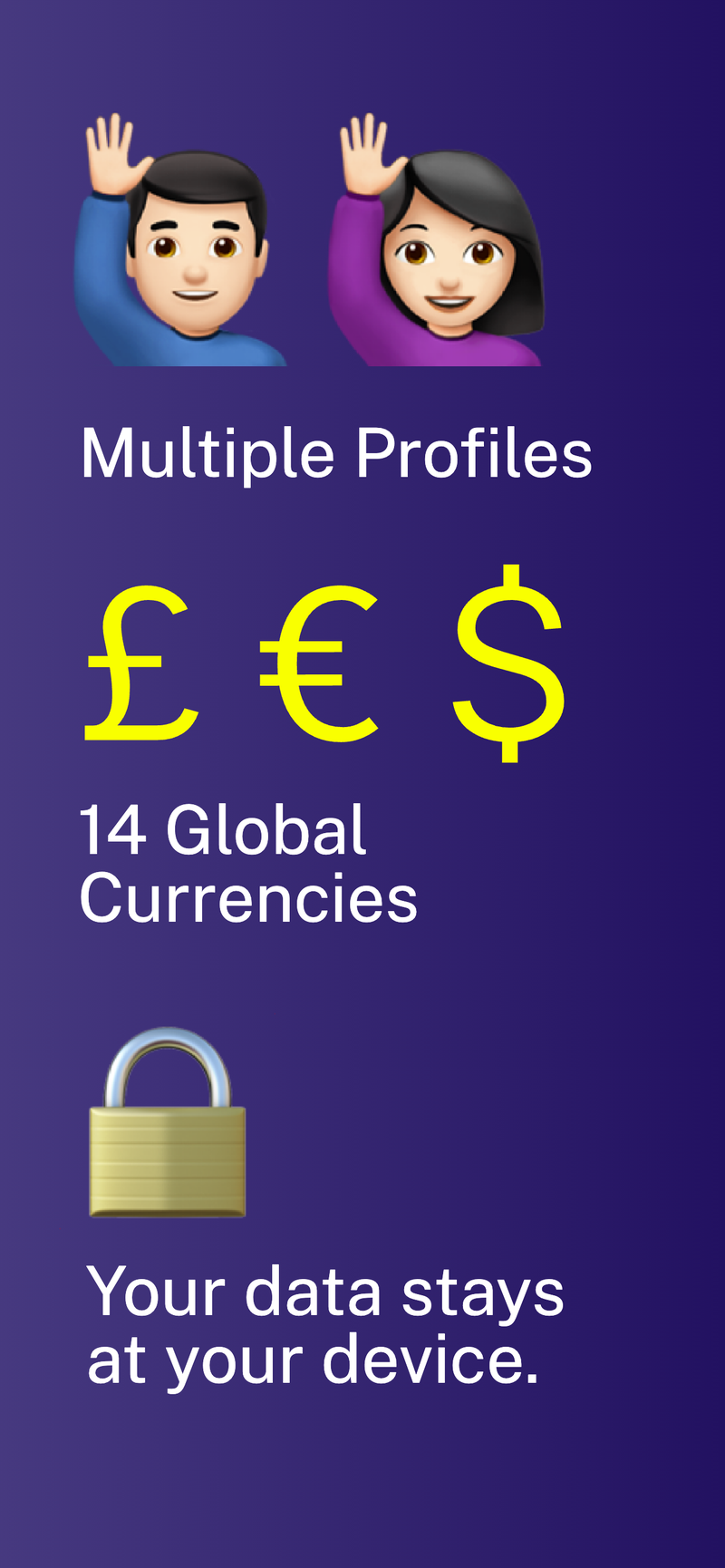
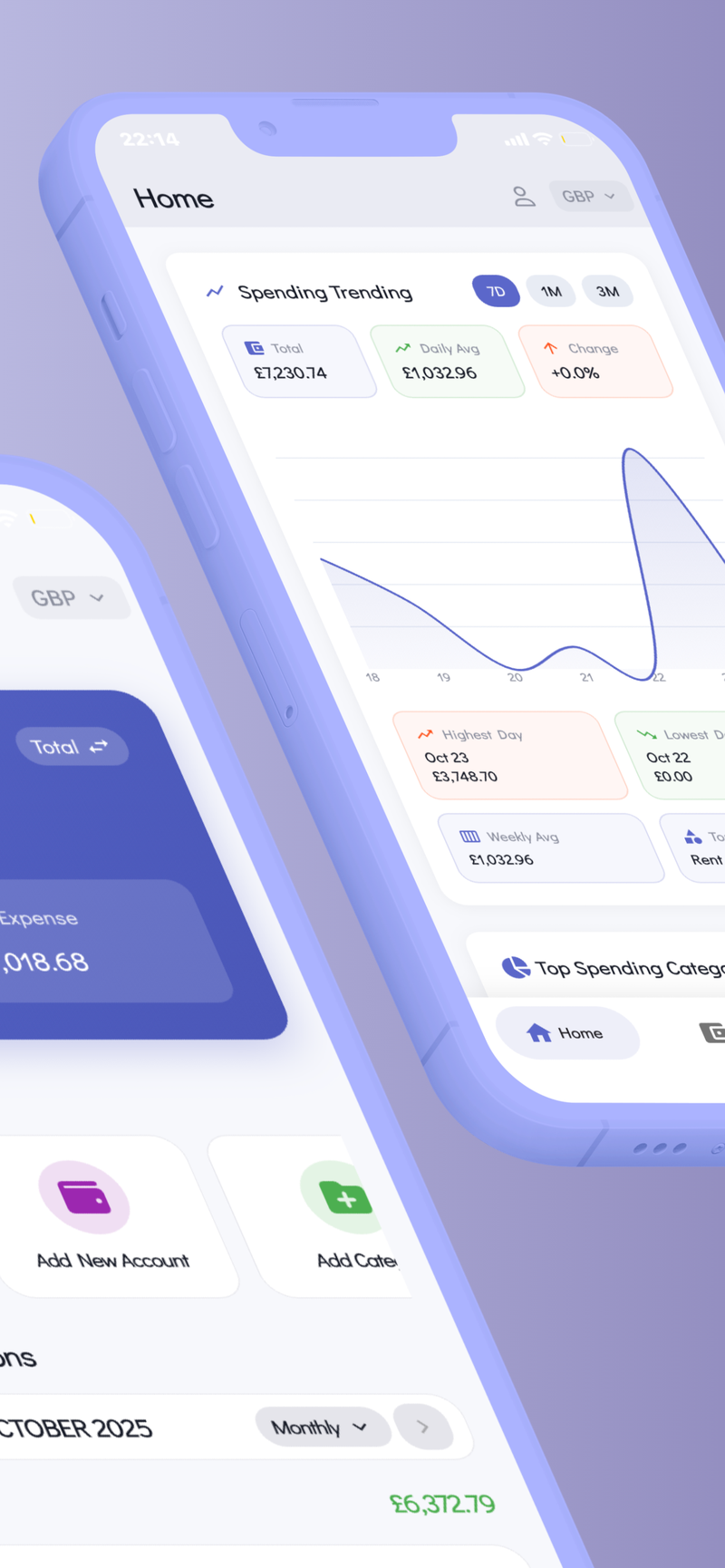
    If you’re looking for a tool to help implement these habits—especially one that keeps your data private on your device and supports multiple profiles for personal and family budgets—you might consider Fokus Budget. Its Multi-Profile Support makes it easier to manage separate budgets in a single, private app, helping you keep the shared goals in sight without mixing your data across accounts.

    Remember: the best budget is the one you actually follow. Small, consistent steps beat grand plans that never leave the page.
    Fokus Budget icon

    Fokus Budget

    AI-powered expense tracking

    Free • In-App Purchases
    GET
    Dashboard
    Analytics
    Transactions
    Categories
    Reports
    AI Receipt ScanningMulti-CurrencyBank ImportPrivacy-First

    Multi-Profile Support

    Related Articles

    Fokus Budget

    AI-powered expense tracking