
Build a Sinking Fund for Irregular Costs in Your Budget
Irregular costs can derail budgets. Learn a practical, step-by-step method to create a sinking fund that smooths car repairs, home maintenance, insurance, and more. Automate, track, and adjust for real-life needs.
Introduction
Do you ever feel blindsided by expenses that don’t fit neatly into a monthly budget? Irregular costs—things like car maintenance, annual insurance premiums, or home repairs—tlick into your finances when you least expect them. A sinking fund is a simple, proven way to smooth those spikes, so you’re not caught off guard or forced to dip into other savings.
The idea is straightforward: set aside a little money regularly so you have a dedicated pot for upcoming costs. It reduces stress, helps you avoid debt, and makes your overall budget feel stronger and more predictable.
Main Content
What is a sinking fund and why it works
A sinking fund is a savings buffer dedicated to specific, predictable-but-irregular expenses. Instead of letting a big bill crash your monthly plan, you pay yourself a little each month toward that future cost. This approach aligns with a core budgeting principle: anticipate cash flow gaps before they appear. It’s particularly effective because:
Step 1: List irregular costs
Start by identifying what tends to surprise you. Common categories include:
Keep a running list for at least six to twelve months so you don’t miss items that recur yearly or semi-annually.
Step 2: Estimate annual costs and frequency
For each category, estimate how much you’d expect to pay in a year and how often the cost occurs:
Total irregular costs: around $4,100/year (~$342/month).
If you’d prefer to fund faster, you can aim for a 12-month target (save $342/month) or stretch to 18–24 months if your budget is tighter (save $171–$228/month).
Step 3: Decide your target fund and timeline
A practical rule of thumb is to plan for 12–18 months of irregular costs. Your target fund is the sum of all estimated annual costs. Decide a funding timeline based on your current cash flow:
This approach makes it easy to adjust if a category’s needs change or if costs rise with inflation.
Step 4: Create a practical plan
Turn the plan into action with a simple system:
Practical example: If your total annual irregular cost is $4,100 and you want to fund in 12 months, set a monthly goal of about $342. Break that down by category to avoid neglecting any one area.
Step 5: Track, adjust, and stay flexible
No plan survives contact with real life perfectly. Schedule a quarterly check-in:
A small reserve beyond your planned targets—the equivalent of 1–2 months of expenses—can also absorb unexpected spikes without derailing the fund.
Step 6: Build resilience with a buffer
Inflation and rising costs mean your estimates should include a modest cushion. Consider adding an extra 10–20% on top of each category’s annual amount to account for price increases over time. This extra layer helps protect you from tiny price jumps turning into big budget gaps.
Practical tips and pitfalls to avoid
Conclusion
A sinking fund turns unpredictable costs into predictable planning. By naming your categories, estimating annual costs, and contributing consistently, you’ll reduce financial stress and stay on track even when bills arrive out of the blue. Start with a simple list, set up automatic transfers, and review regularly to keep the plan aligned with reality.
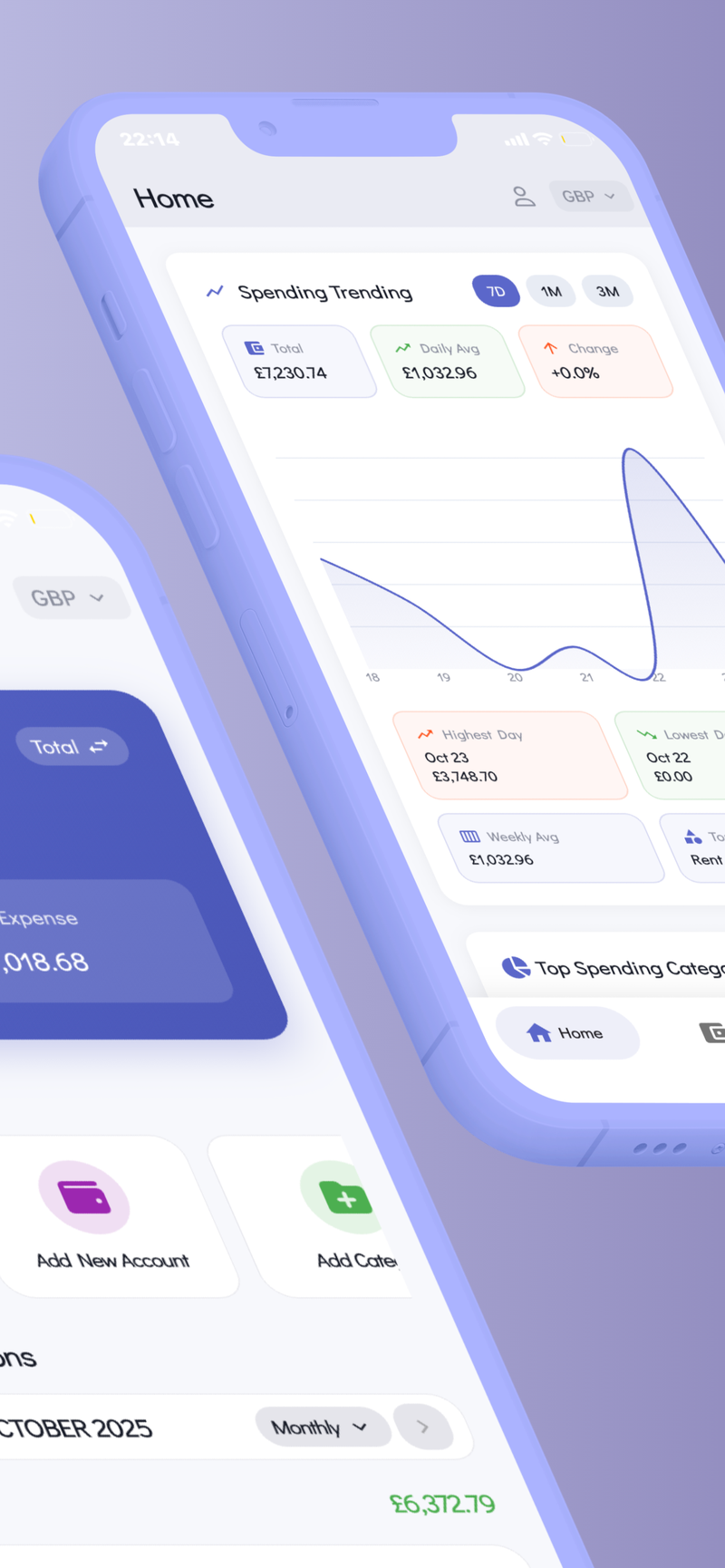
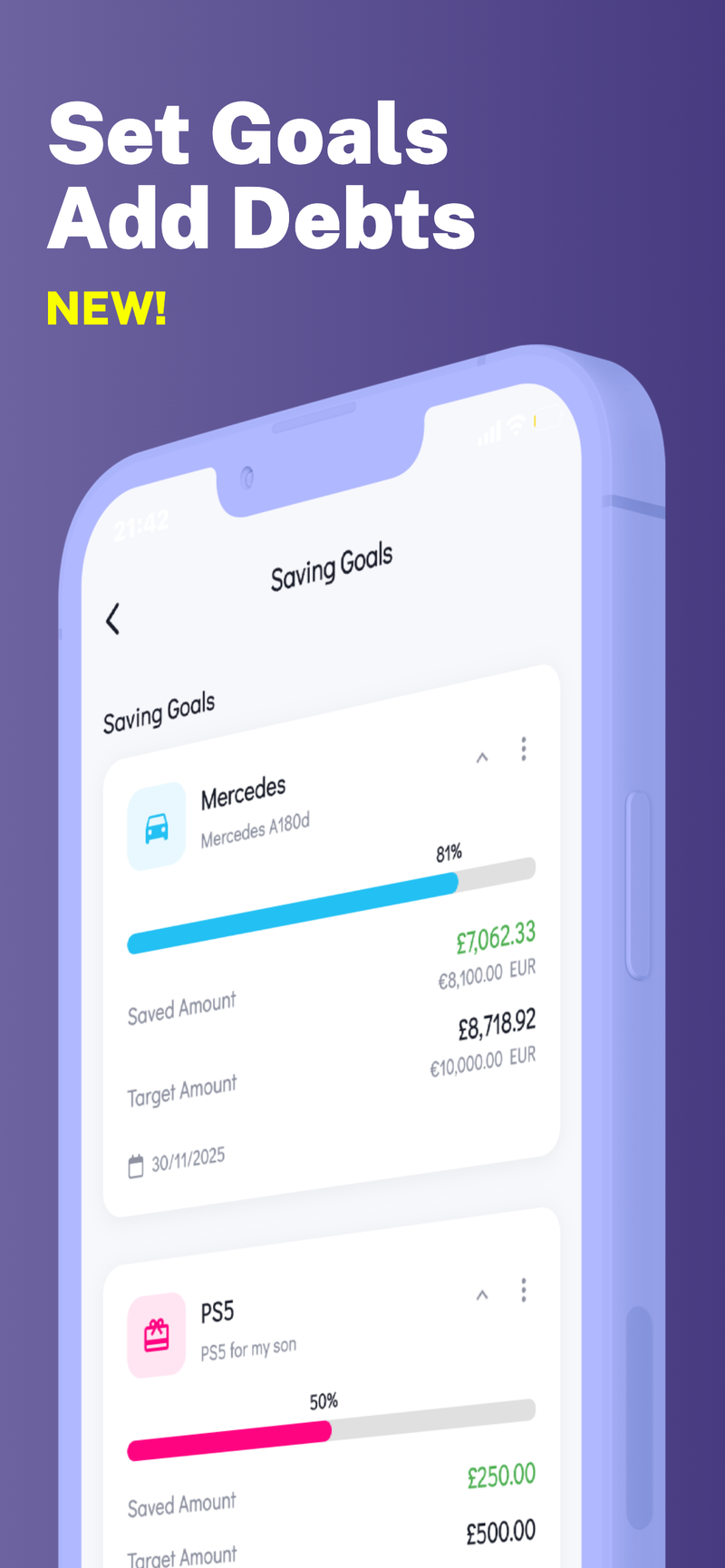
If you’d like a private tool to help you manage multiple savings goals and keep everything organized on your device, consider a budgeting solution that supports multiple profiles and keeps your data secure. Fokus Budget can help with this, offering features like Multi-Profile Support to manage different sinking fund goals without crossing wires, while keeping your information private on-device.



✨ Multi-Profile Support