Introduction
Do you ever finish a month and wonder where the money went? If you’re juggling a family budget or managing household finances on your own, the challenge is real: irregular income, fluctuating bills, and those small purchases that quietly add up. The good news is you don’t need complicated software or a drastic overhaul. Six simple, repeatable steps can give you clear visibility, better control, and real momentum toward your financial goals.
Below is a practical playbook you can apply this month—without gimmicks, just actionable steps you can implement today.
Step 1: Track every dollar for a month
Why this matters
Money hides in plain sight when you don’t log it. Knowing exactly where each dollar goes helps you identify waste, prioritize needs, and set realistic targets.
Quick-start plan
Log all income and expenses for 30 days, even small amounts.Use simple categories: Needs, Wants, and Savings/Debt, not too many buckets.Record every recurring charge (subscriptions, memberships) and one-off purchases.Review weekly: look for trends, like how much is spent on dining out or impulse buys.Example: if you bring in $4,000 monthly and spend $3,500, you have $500 to allocate toward debt payoff or savings.Step 2: Apply a budgeting rule that fits your life
50/30/20 as a starting point
A basic rule can guide spending without paralyzing you with details.
50% Needs: housing, food, utilities, transportation, healthcare.30% Wants: dining out, entertainment, shopping, vacations.20% Savings/Debt: emergency fund, debt payments, retirement.How to adapt it for a family
List fixed needs first (rent/mortgage, groceries, insurance).Cap discretionary spending per month and adjust as income fluctuates.Treat debt payoff and savings as a fixed “expense” so you prioritize it.Use actuals from Step 1 to tailor percentages: if Needs rise due to school costs, shift Wants or Savings temporarily.Step 3: Build a simple cash flow forecast
Create a one-page template
Forecasting makes the future feel less chaotic. Build a lightweight template with these lines:
Income: all steady sources and any variable amounts you expect.Fixed expenses: rent/mortgage, utilities, loan payments.Variable expenses: groceries, gas, entertainment.Debt payments and minimums.Savings goals and irregular costs (annual insurance, gifts).How to use it
Do a 3-month forecast to capture variability (seasonal costs, school terms, holidays).Compare forecast to actual each month and adjust: if groceries routinely come in 15% over, reset the budget or find substitutions.Create two backup scenarios: typical month and lean month, so you’re not caught off guard.Step 4: Identify and plug leaks
Common leaks to audit
Subscriptions you forgot about or don’t use.Frequent dining out or takeout.Energy waste (lights left on, inefficient devices).Impulse purchases and small daily spends.How to audit and act
List every recurring charge for the last 90 days; cancel or downgrade unused items.Negotiate bills (internet, cell plans, insurance) for lower rates or add-ons you don’t need.Set spending alerts on your bank app to curb impulse buys.Quick math: saving $20 a month on a recurring charge saves $240 a year; cutting one impulse buy of $5 per week saves about $260 yearly.Step 5: Create buffers with savings and sinking funds
Emergency fund and sinking funds
Emergency fund: start with a practical target (e.g., $1,000) then build to 3–6 months of expenses. Reach the larger goal gradually with automatic, small transfers on payday.Sinking funds: designate separate goals for irregular costs (car maintenance, home repairs, holidays) and fund them monthly.How to implement
Set a specific monthly transfer amount to a dedicated savings account for each fund, so you see progress visually.Align fund contributions with your forecast: if a forecast shows lean months, increase the emergency transfer a bit and scale back discretionary goals temporarily.For a family, coordinate funds by priority: emergency first, then major irregulars, then vacations or big purchases.Step 6: Establish a monthly review and adjustment rhythm
How to run the review
Do a 15–20 minute check on payday. Compare forecast vs. actual, then reallocate leftovers.Tally progress toward your savings goals and debt targets; note where you exceeded or fell short.Update your forecast for the next month based on actuals and upcoming irregular costs.Build the habit
Keep a lightweight checklist: confirm income, confirm fixed costs, adjust variable categories, review leaks, adjust sinking funds.Celebrate small wins (e.g., paid off a small debt, hit a savings milestone) to reinforce the habit.Use simple visuals (spreadsheets or graphs) to stay motivated and clearly see progress.Conclusion
By tracking every dollar, applying a simple budgeting rule, forecasting with a lightweight template, plugging leaks, building buffers, and establishing a monthly review, you gain clarity and control over your cash flow. It’s not about perfection; it’s about consistency and smarter decisions that compound over time.
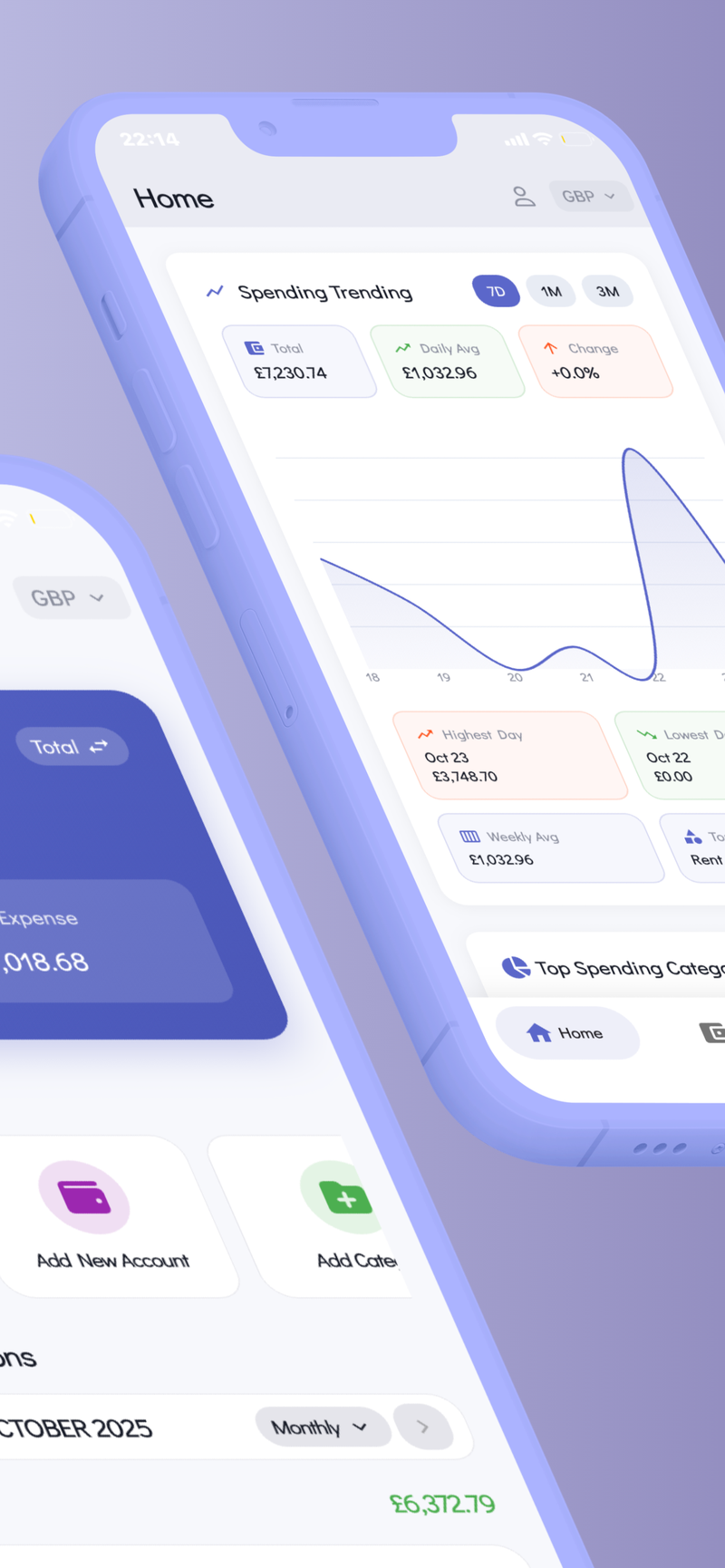
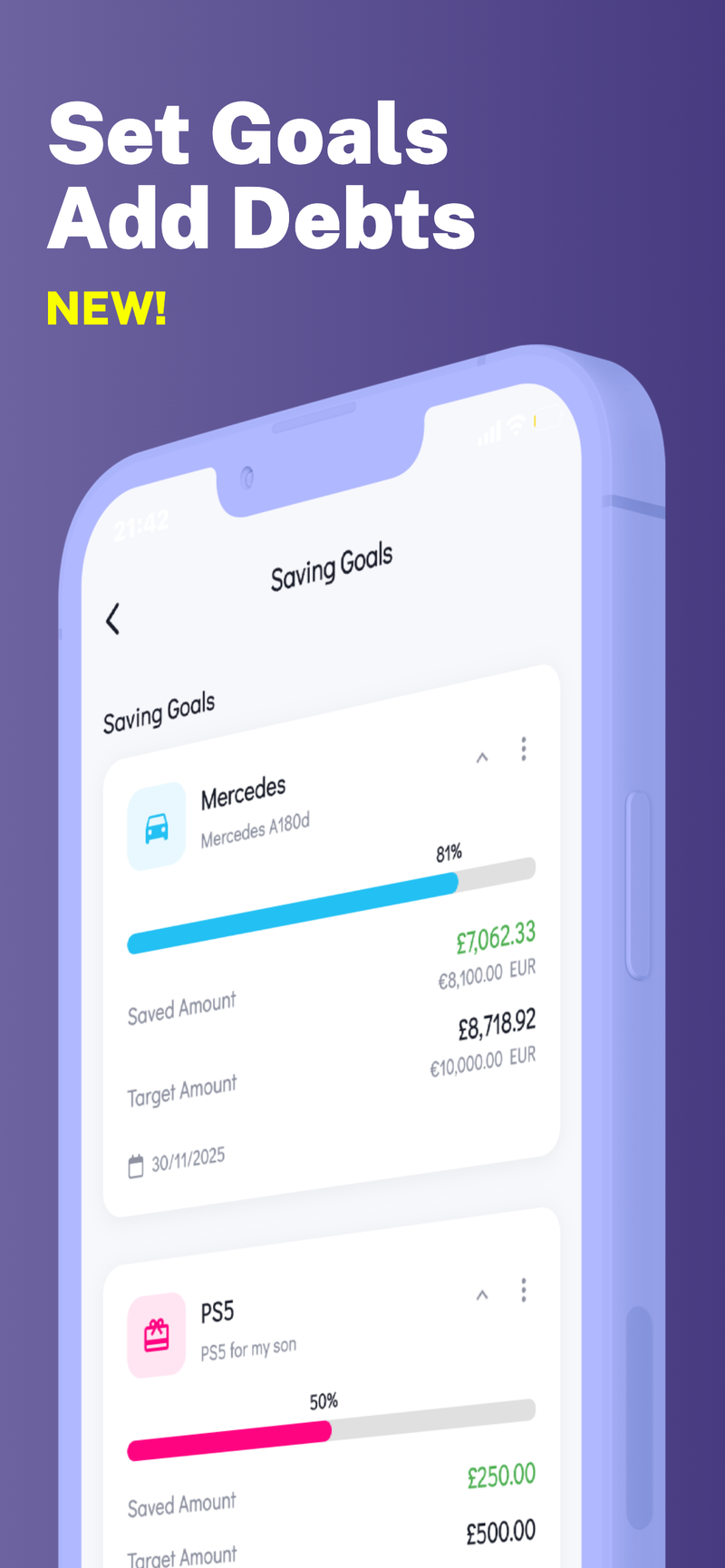
If you’re looking for a privacy-focused way to manage these steps across multiple budgets—whether for personal needs, family planning, or small business finances—consider tools that keep data on your device and support multi-budget scenarios. Focus on a solution that emphasizes your control and privacy, like Fokus Budget, which offers features such as Multi-Profile Support to manage separate budgets without mixing accounts or data.