Introduction
Is your budget calm most of the year and then overwhelmed by seasonal costs? You are not alone. Holidays, birthdays, back to school, and heating bills all tend to cluster at predictable times, often catching people off guard. The result is stress, debt, or using credit to bridge the gap. The good news is you can reduce panic with a simple, practical plan that spreads costs over time and keeps your finances steady. This guide offers actionable steps you can start today, with realistic expectations and steady progress.
Main Content
Build a seasonal expense calendar
Start with a 12 month view and map out costs that recur each year.Mark big seasonal categories such as holidays and gifts, back to school, car maintenance, home upkeep, vacations, and heating or cooling bills.Pull last year numbers if available, then adjust for inflation and changing family needs.For each expense, decide when you want to pay and how much you should set aside each month.Example approach: if you expect 600 for holiday gifts in December, you can spread it across 12 months for a monthly target of about 50, or choose to start later and distribute over 8-9 months for 67 per month. A calendar keeps you from staring at a big bill in a single month.Use a simple spreadsheet or a wall calendar with a budgeting column. The goal is to see the costs clearly and plan ahead.Set up sinking funds
A sinking fund is a dedicated pool of money for a specific future expense.Create separate line items for each category in your budget and assign a monthly contribution. This can be in a dedicated savings account or a labeled subcategory in your budget app.Decide contribution amounts based on cost and timing. Even small, consistent deposits add up over months.Example: if holiday gifts total 600 and you have 12 months until December, allocate 50 a month to that fund. If you plan a back to school spend of 420 by August, allocate roughly 35 per month across 12 months or adjust to fit your timeline.Estimate costs with scenarios
Use last year as a baseline but adjust for inflation and changes in family needs.Create three scenarios for each category: best case, expected, and worst case.For each scenario, calculate the monthly target by dividing the cost by the number of months until the expense. This helps you decide how aggressively to save and when you might need to adjust.Reality check: if a surprise rise in costs occurs, you can pivot earlier rather than panicking in the moment.Automate and track progress
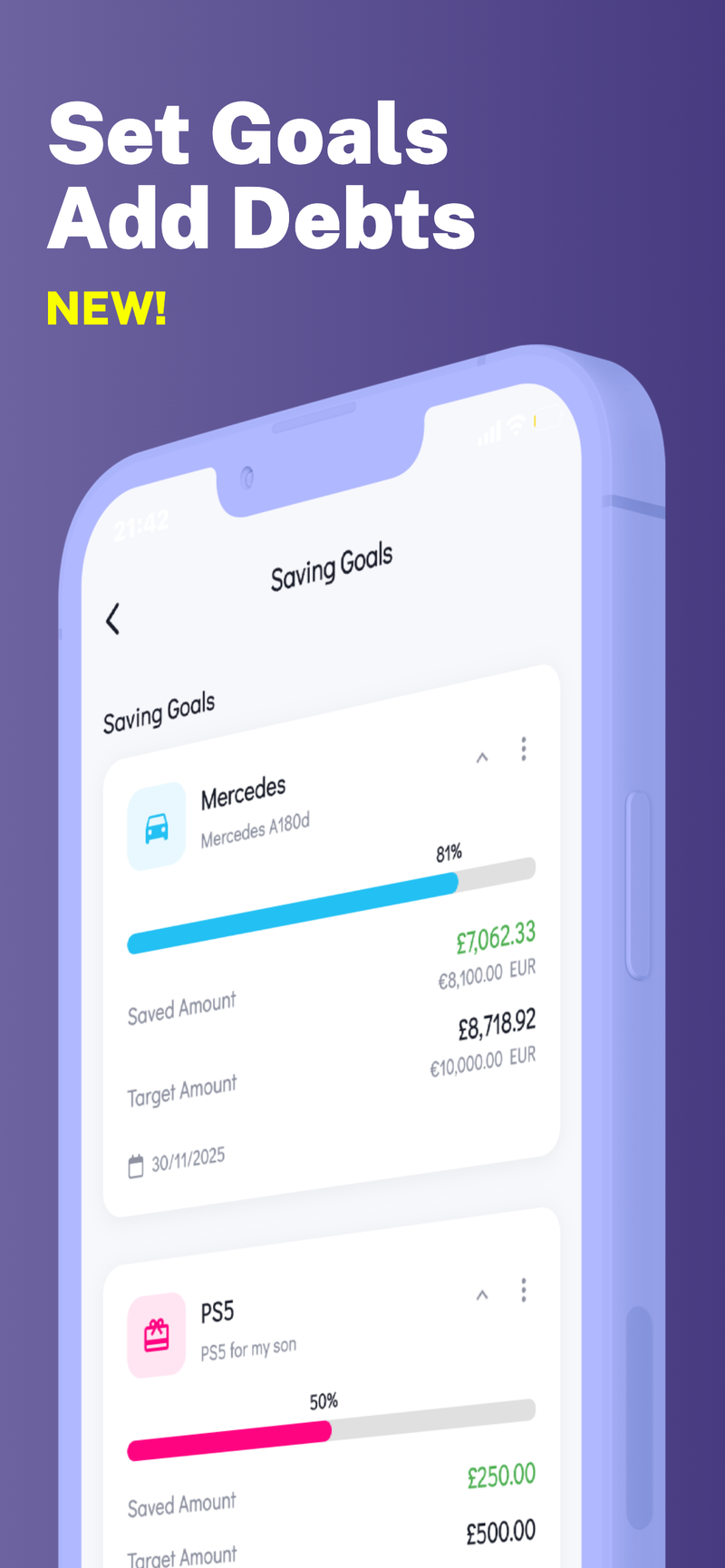
Set up automatic transfers on paydays. Treat seasonal savings like a recurring bill so contributions happen even if you forget.Review progress monthly. If a category is underfunded, you can transfer a bit more that month; if it’s overfunded, you can adjust future contributions.Keep the tracking simple: a single summary line per category with a progress bar or percentage works well and reduces anxiety.Practical examples
Holiday gifts: plan a 600 total. With a 12 month horizon, target 50 per month. If you start in October, you’d adjust to 200 over the four months in that window, and 50 per month for the remaining eight months.Back to school: 420 total for supplies and uniforms. Spread evenly across 12 months is 35 per month. If you buy in July and August, front load 60 in July and 60 in August, then 30 in the remaining months.Winter heating or cooling: anticipate an extra 60-80 per month during peak months. If you expect 240 extra this winter across four months, save about 60 per month.Vacation or travel: plan a 1000 budget and target 100 per month over 10 months, adjusting if your travel window shifts.Tips to stay on track
Zero-based monthly planning: allocate every dollar and ensure it has a purpose toward a seasonal goal.Use the envelope approach for cash based spending in discretionary categories and keep seasonal funds separate.Create no spend windows for nonessential categories to free up funds for seasonal goals.Conduct a quick quarterly sanity check: are your estimates still reasonable, do any costs look off, and do you need to adjust future contributions?Tools and templates
A simple budget template (spreadsheet or notebook) can be enough. List categories, target costs, months to save, and actuals each month.Visual aids like progress bars, calendars, or simple charts help keep everyone in the family aware of goals and status.Revisit your calendar at least quarterly to refresh estimates and timing based on changing circumstances.Conclusion
By building an annual calendar, funding sinking funds, and automating contributions, you can navigate seasonal expenses without panic. The key is consistency, small monthly contributions, and regular reviews so you stay ahead of big bills instead of scrambling when they arrive. If you want a private on device budget tool to help manage multiple budgets and keep your seasonal funds organized, Fokus Budget can help with its Multi-Profile Support.