Introduction
Ever feel like your money vanishes right after payday? You’re not alone. Budget leaks hide in plain sight: overdue subscriptions, small daily purchases, and scattered tracking habits that never quite add up. A simple, repeatable plan can reveal where money slips away and show you where to reallocate it toward the things that matter most.
Think of a spending audit as a health check for your household finances. It’s not about deprivation; it’s about clarity, control, and sustainable progress. In many households, housing, transportation, and groceries absorb the largest shares of the budget, but small habits add up quickly. A focused plan helps you tackle those leaks without turning your life upside down.
This seven-step plan keeps things practical, actionable, and doable for real families.
7-Step Family Spending Audit Plan
Step 1 — Gather the numbers
Collect statements from the last 3–6 months: bank, credit card, mortgage/rent, utilities, and bill emails.List all income sources, including irregular earnings or side gigs.Build a simple master sheet or note that ties each income stream to every expense category. You want a single view, not a pile of receipts.Tip: don’t overcomplicate this initially. A two-page summary works as a starting point.Step 2 — Track every expense for 30 days
For one month, record every spend, even the coffee or impulse purchase. Tiny amounts matter when they repeat.Use a single method for consistency: a basic spreadsheet, a notebook, or a tracking app. The key is to capture data daily.At month end, categorize expenses into broad groups (see Step 3) and compute totals for each.Quick win: look for obvious misses—cash purchases you forgot to record, or small daily costs that could be cut.Step 3 — Categorize and identify leaks
Use core buckets: Housing, Transportation, Food, Subscriptions, Debt, Personal care, Entertainment, and Savings.Apply the Pareto principle: the top 20% of categories often drive about 80% of spend. Identify those top offenders first.Look for leaks like duplicate subscriptions, unused memberships, or frequent tonight’s takeout meals shifting your balance month to month.Practical tip: color-code categories in your sheet (e.g., fixed costs in blue, discretionary in orange) to visualize what’s consuming most.Step 4 — Identify annual costs
List costs that recur yearly or seasonally: insurance premiums, memberships, licenses, warranties, or maintenance contracts.Convert them to a monthly equivalent so you can compare with monthly spending. For example, a $600 annual premium is about $50 per month.Look for charges that creep in as “anniversary” or renewal fees and plan to renegotiate or cancel where appropriate.Step 5 — Review recurring payments
Audit every recurring bill and subscription. Do you still use all of them, or are some just habit?Cancel unused services; renegotiate existing contracts where possible (rates, bundles, or lower tiers).Set renewal reminders or trial expirations. A 7–14 day alert before renewal helps you decide if you still need it.Data point: many households unintentionally pay for unused subscriptions, sometimes totaling 5–10% of annual spending when combined across all services.Step 6 — Set targets and create a zero-based budget
Zero-based budgeting assigns every dollar a job—whether it’s living expenses, debt payoff, or savings.Start with a needs-based base: housing, utilities, groceries, transport, insurance, and minimum debt payments.Allocate remaining funds to a mix of savings and controlled wants. Consider a simple framework like 50/30/20 (needs/wants/savings) or tailor to your family’s reality.Write the monthly budget plan and set a weekly check-in. If a category overshoots, reallocate from a lesser-priority area instead of postponing a decision.Step 7 — Implement and monitor
Build a monthly routine: a 15–20 minute review to compare plan vs. reality and adjust for next month.Automate where it makes sense: automatic transfers to savings, debt payments, and bill payments—then watch for changes in spending patterns.Track progress with a simple chart: show income, all fixed costs, and the progress toward your savings or debt goals.Real-world cue: when you see “no-go” expenses rising, pause discretionary decisions for a week to re-balance.Practical examples and safeguards
A family of four with a $5,000 monthly income tracked $350 in unused subscriptions in a single month. By canceling two services and negotiating a better rate on another, they redirected that $200 toward an emergency fund.A household discovered that their daily coffee habit and dining out added up to $600 extra per month. Replacing most of those with home-made options and a weekly family meal plan saved a similar amount while preserving one or two social outings.Conclusion
Auditing your spending isn’t about deprivation; it’s about clarity, control, and sustainable progress. By gathering the numbers, tracking diligently, and following the seven steps, you turn a pile of data into a concrete plan you can live with. Small, consistent adjustments add up to meaningful change over time.
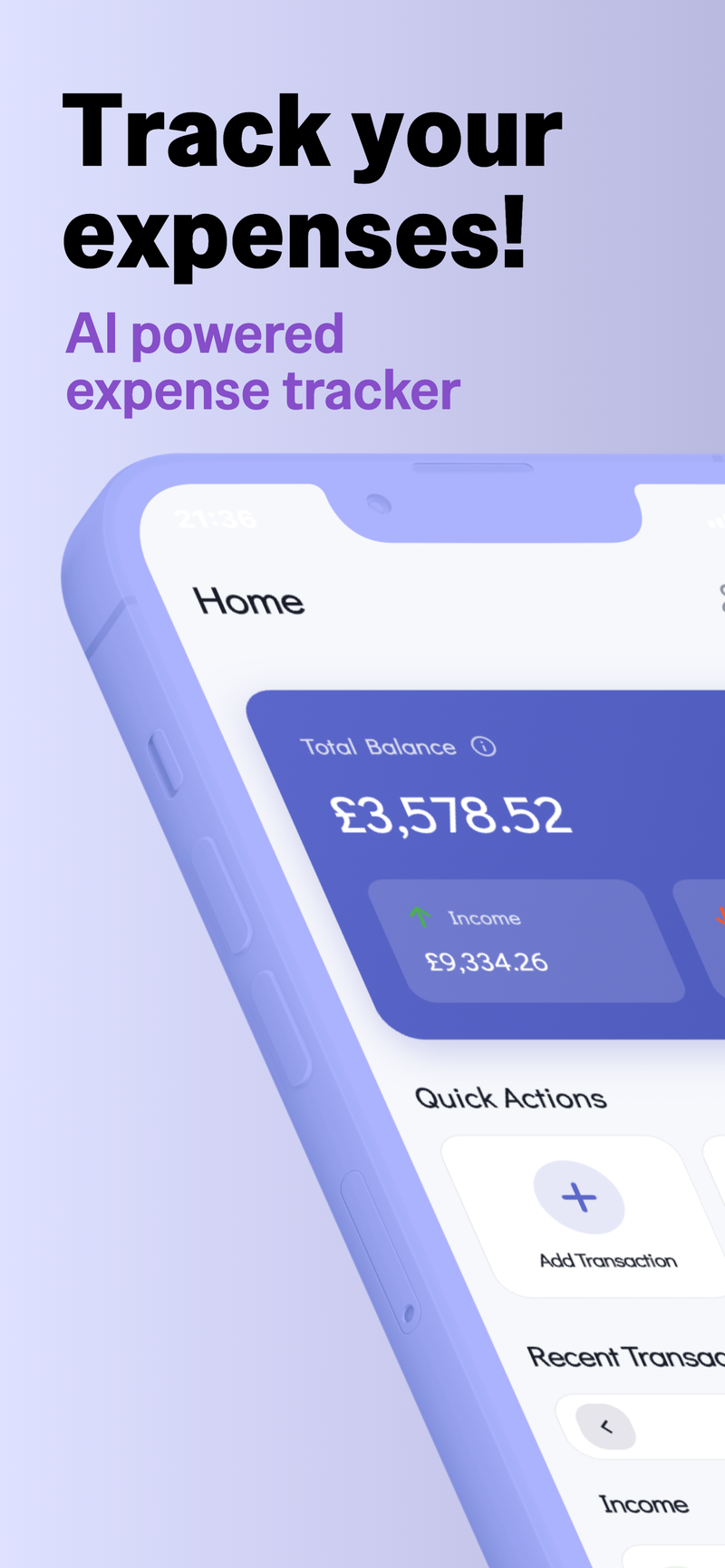
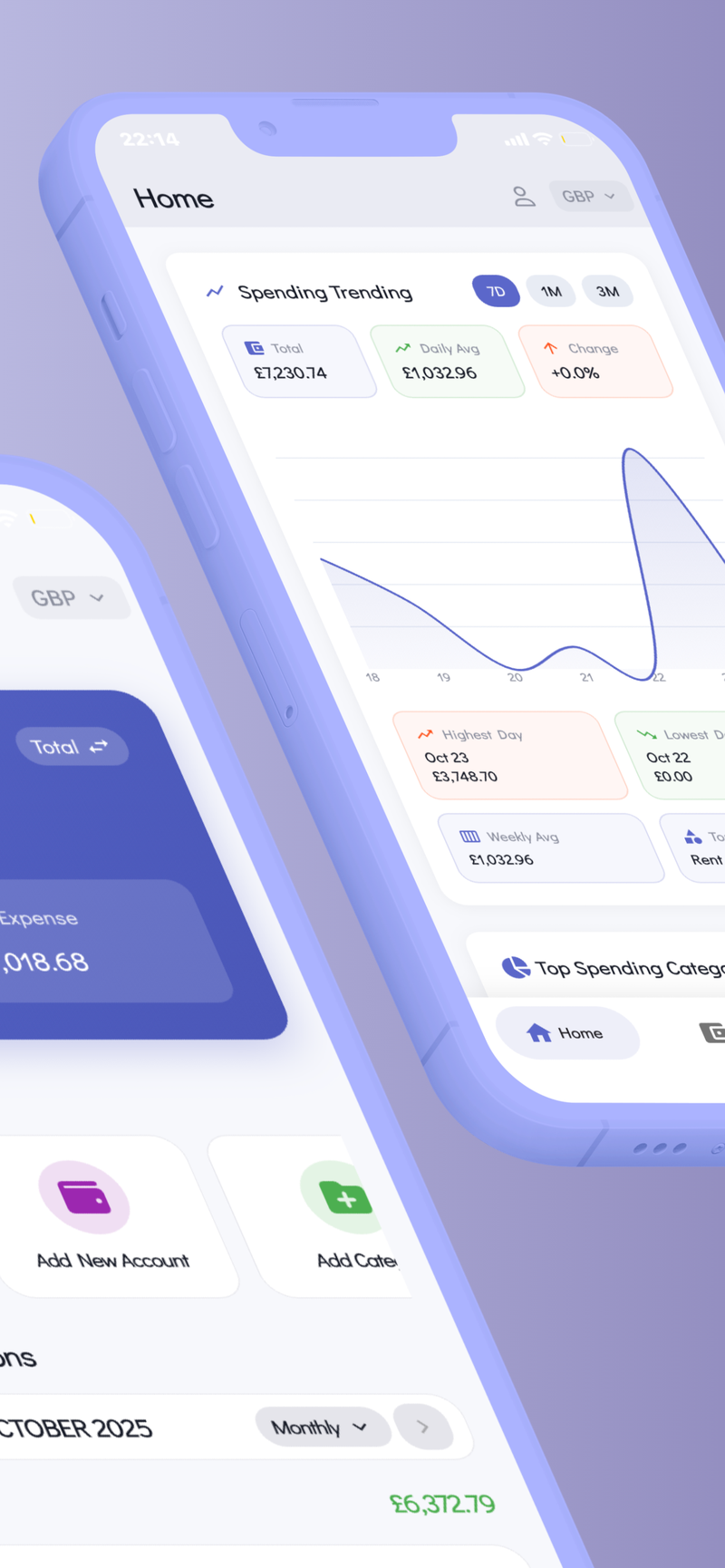
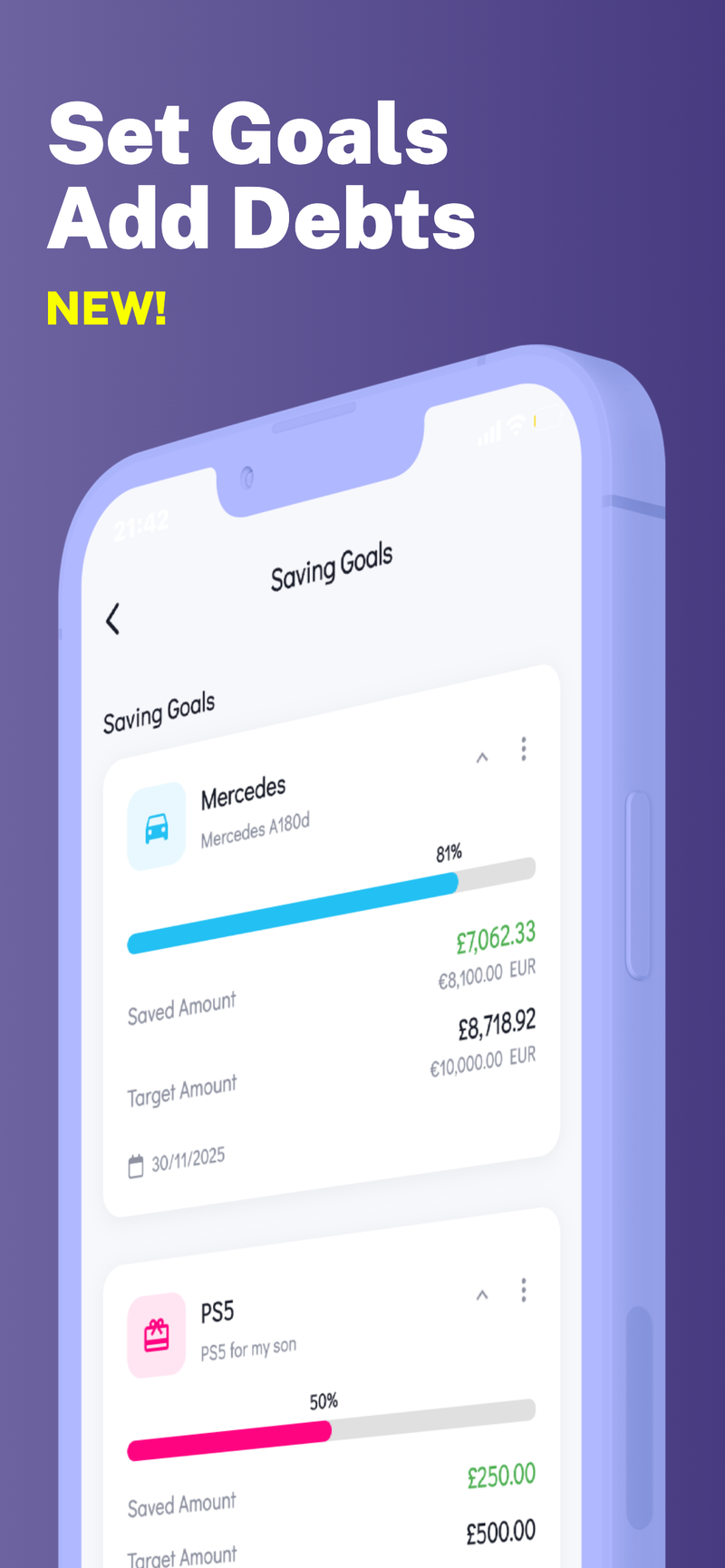
If you’re looking for a privacy-focused way to put this plan into practice, Fokus Budget can help you map and monitor your spending while keeping data on your device. With features like on-device privacy and multi-profile support, you can tailor the plan for your family without compromising your data.