Introduction
From paycheck to paycheck, the end of the month often arrives with a sigh. You know you spend, but you’re not exactly sure where or why. The numbers feel murky, and the more you try to pin them down, the more overwhelmed you get. The good news: you can gain clarity with a simple monthly plan that doesn’t require obsessive tracking or complicated tools. Start with a baseline, build a steady routine, and adjust as you go. This approach is practical for both individuals and families, and it fits real life—late bills, busy weeks, and the budget conversations that matter.
Main Content
Start with a simple baseline
Determine your net monthly income after taxes and deductions. If your income varies, use a 3-month average to smooth the wobble.Embrace the 50/30/20 rule as a lightweight guiding framework: about 50% needs (rent, utilities, groceries), 30% wants (dining out, hobbies), and 20% savings or debt repayment. You don’t have to rigidly fix every percentage, but it helps create a realistic baseline.Set a reasonable target for each major category based on your current spending history. The goal is to reduce waste, not micromanage every cent.Choose a tracking method
Pick a method you’ll consistently use: a simple notebook, a spreadsheet, or a basic budgeting app. The key is consistency, not complexity.Decide on a daily or weekly cadence. A quick daily entry (5 minutes) beats a long, end-of-month sprint. A weekly review is enough to catch drips before they become floods.Keep receipts or digital records for at least one month. You’ll be surprised how small, forgotten purchases add up.Create a practical category system
Start with 8–12 broad categories. A simple structure might include housing, utilities, groceries, transportation, dining out, entertainment, healthcare, personal care, debt, savings, subscriptions, and miscellaneous.Use subcategories for clarity if you need it (for example, groceries can have separate lines for staples, produce, and dairy).Assign a rough monthly target to each category. Adjust over time as you learn what’s realistic.Color coding or simple codes (N for needs, W for wants) can make your tracking visually quick.Build a monthly workflow
1) Day 1: Set up your baseline in your chosen method. Enter actuals from the previous month as a starting point. 2) Daily: Log transactions as they occur or within 24 hours. Even rough notes help—you’ll refine later. 3) Weekly: Quick review of variances. If a category is off by more than 10–15%, drill down to the reason (subscription, impulse buy, or inflated grocery bill). 4) Weekend: Do a 20–30 minute reconciliation. Compare actuals to your budget and note any surprises. 5) End of month: Calculate total variance, identify the top 1–2 leaks, and adjust the next month’s targets accordingly.
Use real-world examples and insights
A single person noticed dining out and coffee purchases creeping up to 15% of monthly spending. By setting a modest cap and batching meals at home, they cut discretionary costs by about 20% within two months, freeing 100–150 dollars for savings.A family of four found that small subscriptions and streaming services added up to over 60 dollars a month. Cancelling one unused service and revising others saved roughly 25–30 dollars monthly, without touching essentials or favorites.Automating a small monthly transfer to savings helps prevent the familiar end-of-month scramble. If you automate 5–10% of income toward savings, you’ll build resilience against unexpected expenses.Tackle common problem areas
Subscriptions and recurring payments: Review every item and ask if you truly use it. Cancel the ones that aren’t essential.Small daily purchases: Coffee, snacks, or impulse online buys can accumulate. Create a small daily limit (for example, $5–$10) and track any overshoot.Large annual costs: Prorate yearly expenses into a monthly sinking fund. If you expect a big renewal or insurance bill, set aside a small amount each month to avoid a painful spike.Weekly check-ins and monthly close-out
Schedule a short midweek check-in (10–15 minutes) to ensure you’re on track and to adjust if life changes (new job, commute changes, medical needs).During month-end close-out, look at the biggest variances and ask: Was this a one-off or a recurring pattern? If it’s recurring, what’s the smarter alternative—adjust the category target, cut a discretionary expense, or renegotiate a bill?Translate insights into a concrete plan for the next month. Small, repeatable changes compound into meaningful progress over time.Conclusion
Tracking household spending doesn’t have to be elaborate or time-consuming. A simple monthly plan built around a realistic baseline, easy categories, and a steady routine can illuminate where your money actually goes and empower you to steer it where you want it to go. The goal isn’t perfection; it’s consistency and clarity so you can make informed choices that align with your priorities.
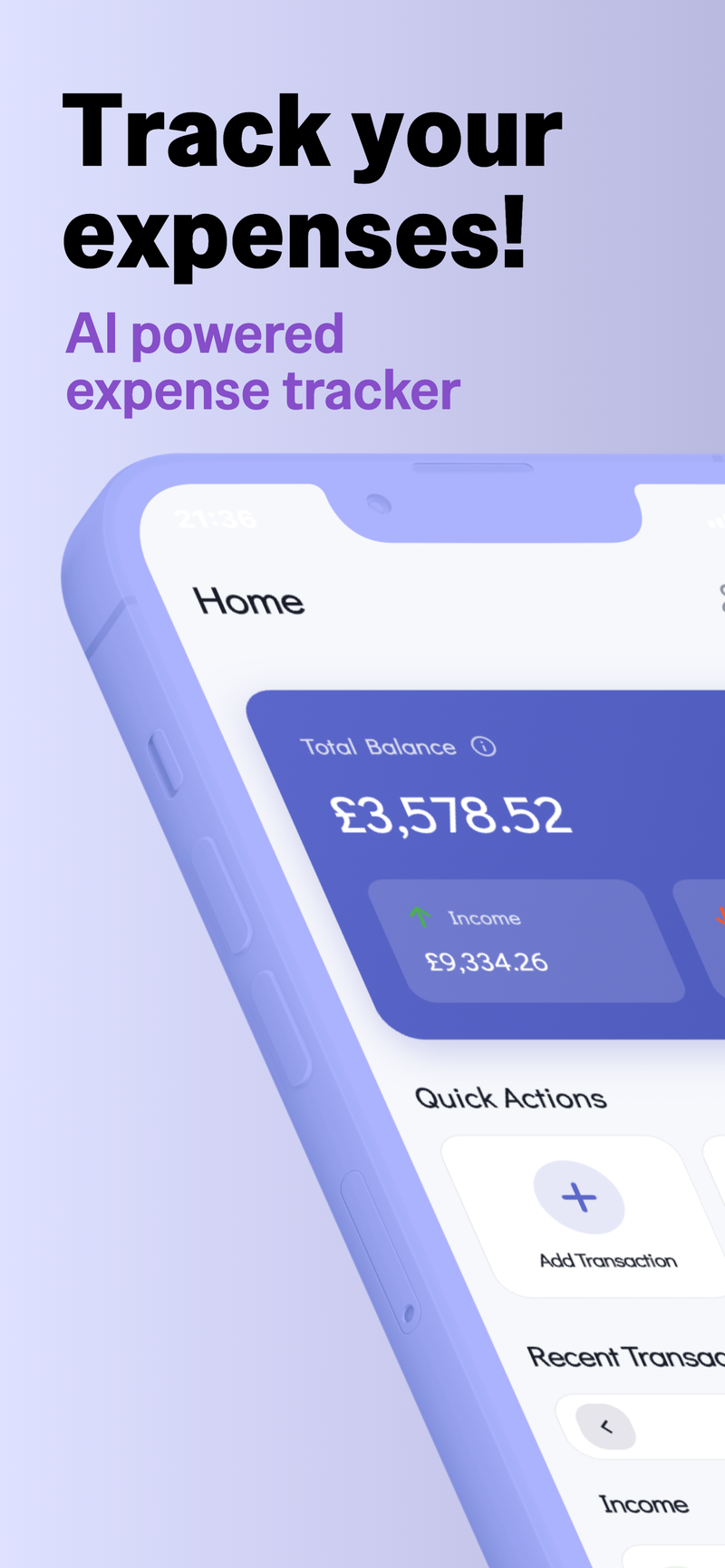
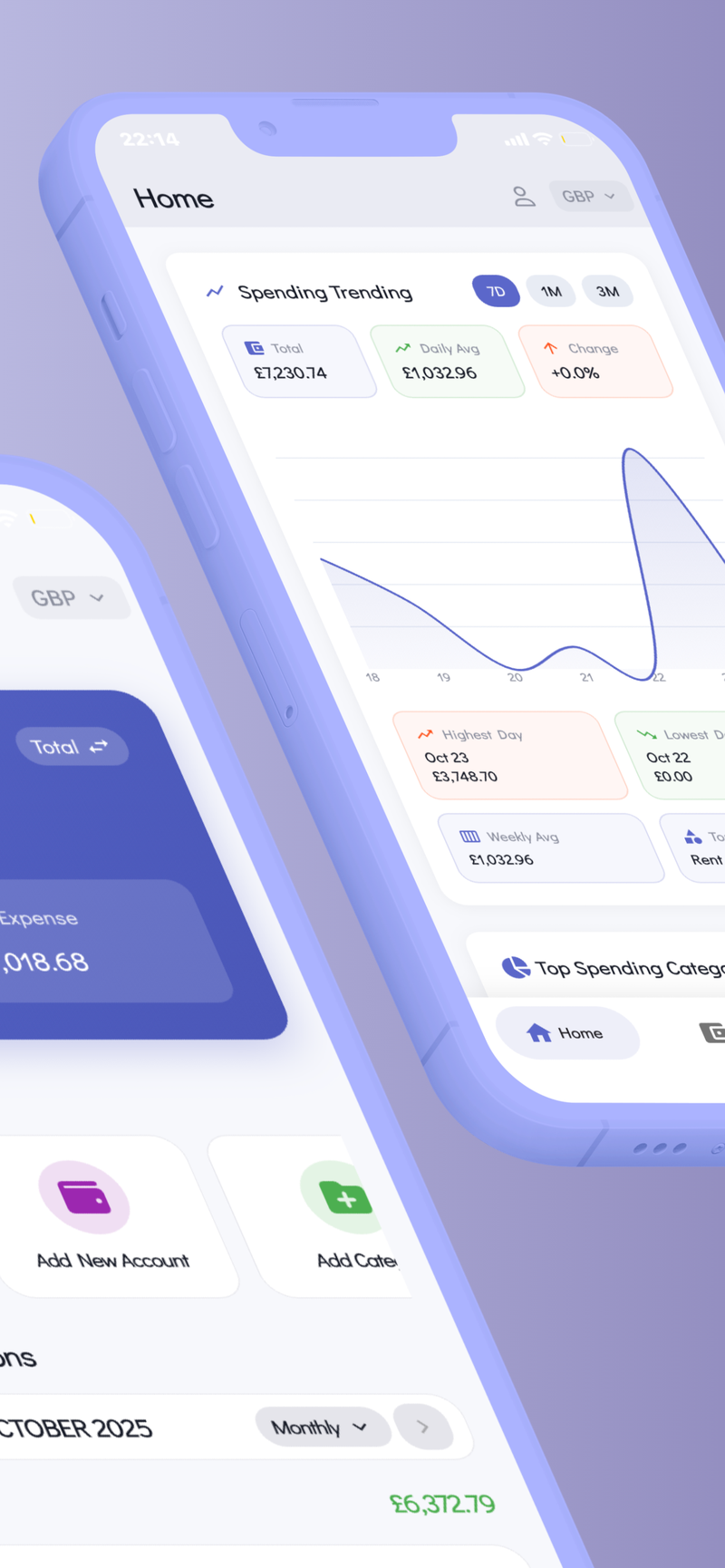
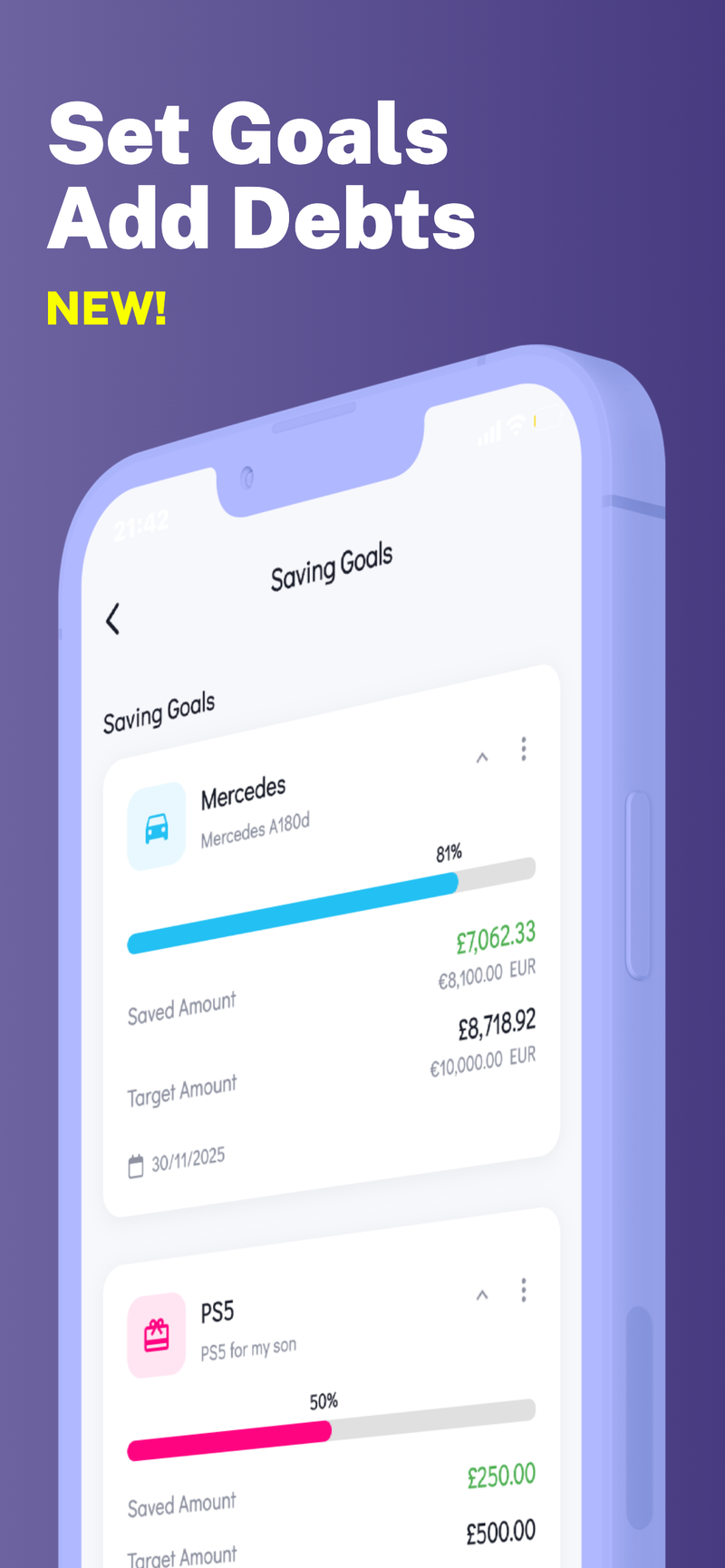
If you’re looking for a privacy-forward way to keep everything in one place without sacrificing control, there are tools designed to store data on-device and support multiple profiles. Fokus Budget can help with this by keeping your financial data securely on your device while offering features like multi-profile support for separate personal, family, or business finances, and a focused interface that highlights your spending truths. It’s a gentle nudge to stay on track, not a push to overhaul your life in a day.